


Most agencies believe a longer SEO report signals more work. Clients read it the same way. Long report, hard-working agency. The truth sits somewhere else. Clients skim. They look at three or four numbers, decide whether the retainer is earning its keep, and move on with their day. Everything else in the report sits there unread.
A good report respects that reality. It carries your brand, tells the client what changed and why it matters, and takes about five minutes to read. Anything more is usually padding. This guide breaks down what belongs in the report, what to strip out, and how to build a template that scales across every client you take on.
What a white label SEO report actually is
A white label SEO report is a monthly performance document (dashboard/report) that carries your agency’s brand. Your logo, your colours, your domain, your voice. The client sees your team as the source. They never see the reporting platform sitting underneath. That distinction matters for two reasons. First, it protects your positioning. Clients who discover the underlying tool sometimes decide they can cut you out and buy the tool directly. Second, it lets you present data with your own voice. The platform’s default labels get replaced with language your client already speaks.
Client SEO reporting covers what happened in the client’s SEO performance over the month, why it happened, and what you’re doing about it. That is the entire job. Every section either explains the change, explains your response to the change, or explains what’s coming next.
If you’re picking a white label SEO dashboard to build reports on top of, the setup work happens once. The template you design in month one drives every client report from that point on.
Why the template matters more than any single report
Agencies lose clients to poor communication far more often than poor performance. A client who receives a consistent, well-structured white label SEO report every month feels the agency is actively managing their investment. A client who receives ad-hoc updates, or reports that look different every month, starts wondering whether anyone is minding the store.
A strong SEO report template solves both problems in one move. The client gets the same shape of information every month, in the same order, formatted the same way. Your team saves hours per client per month because they’re not rebuilding the report from scratch. When you onboard a new client, you have an 80 percent finished report ready before the first month ends. You just plug in their data.
What to include in a white label SEO report
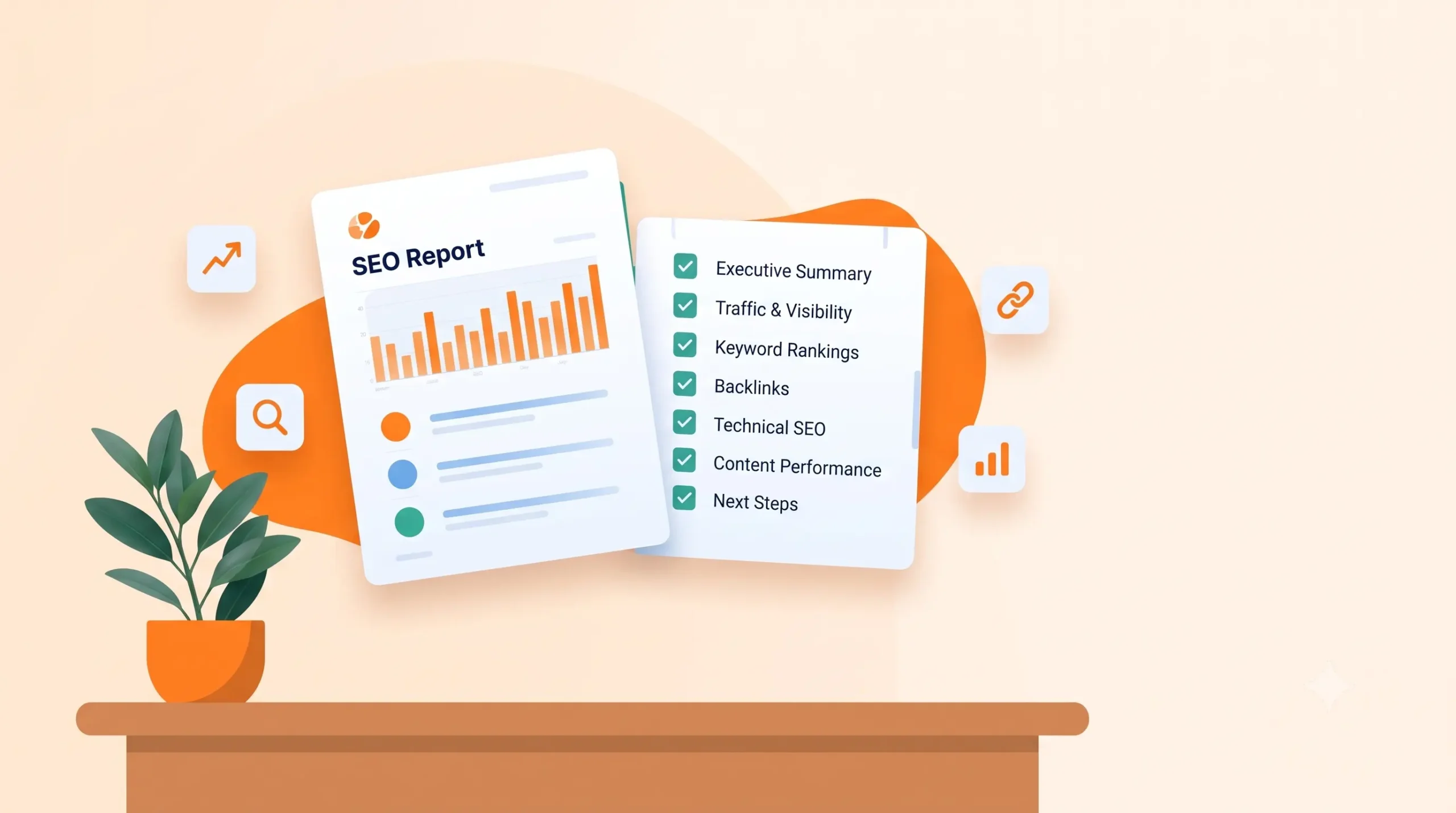
Every strong monthly report has seven sections. Nothing less will feel complete. Anything more usually becomes noise the client skips over.
1. Executive summary
This is the only section most clients read closely. Treat it that way. Three or four short paragraphs at the top of the report, written in plain language, covering what improved this month, what got worse, and what you’re focused on next. Numbers appear here but the tone stays human. No jargon, no acronyms without context.
A good executive summary answers the question every client silently asks when the report lands. Is this retainer working? If your answer requires them to scroll through 12 pages of charts to find, they will cancel.
2. Traffic and visibility
Show organic traffic month over month and year over year. Break it out by landing page for the top ten pages driving traffic. If organic traffic dropped, explain why in one line beneath the chart. An algorithm update, a seasonal dip, a specific page losing rankings, whatever the honest answer is.
Don’t include every single traffic source. The client hired you for SEO, not for a full digital marketing review. (Show your client’s core KPI trend month over month… (revenue, pipeline, usage — whatever the client’s dashboard is built around) If they need paid traffic breakdowns, use a separate PPC reporting tool so those numbers get their own dedicated report.
3. Keyword rankings
Track ranking changes for the keywords the client cares about. The ones tied to their commercial goals, not a list of 200 keywords you happen to be tracking. Show current position, previous position, and change. Group keywords by intent (transactional, informational, branded) so the client sees ranking movement in the categories that drive revenue first.
Include a short note beneath the ranking table explaining any big movements. A keyword jumping from position 15 to position 4 deserves a line of context. A keyword sliding from position 6 to position 9 deserves an explanation and a fix in the next-month plan.
4. Conversions and business impact
This is where most agency reports fail. They stop at traffic and rankings and never tie those numbers back to the client’s business. If the client’s goal is leads, show organic lead volume. If their goal is e-commerce revenue, show revenue from organic. If their goal is phone calls, show call volume from organic traffic.
Traffic without conversions is a vanity metric. Clients paying five figures a month want to see the bottom-line result of your work, not a graph of visitors who never bought anything.
5. Technical health
A short section covering what you fixed on the client’s site this month. New pages indexed, broken links resolved, Core Web Vitals improvements, schema updates, redirects deployed. Keep this bulleted and specific. Vague entries like ‘improved site speed’ mean nothing. ‘Reduced homepage LCP from 3.4s to 1.9s’ means something.
This section proves the work happened. Clients pay agencies to do things they can’t verify themselves, so give them proof. Screenshots, before-and-after numbers, links to updated pages.
6. Content and link building
Two sub-sections. Content covers what you published, updated, or optimised this month, with links. Link building covers new backlinks earned, their referring domain authority, and their relevance to the client’s niche. Include lost backlinks too. Hiding them signals dishonesty, and clients often check their own backlink profile independently.
7. Priorities for next month
Close the report with three to five specific priorities for the coming month. Not vague goals. Specific pages, specific fixes, specific link targets. This section makes the client feel the work is intentional and moving forward. It also protects you from mid-month change requests because you’ve already committed to a plan they agreed to receive.
What to skip in a white label SEO report
In agency reporting, the delete list matters as much as the include list. In client SEO reporting, every metric you add is another thing the client will half-understand, ask about, and eventually resent.
Skip: bounce rate
The SEO industry has misunderstood bounce rate for years, and Google Analytics 4 effectively deprecated it in favour of engagement rate. Even engagement rate, without deep context, misleads more than it informs. A blog post that answers the reader’s question in 30 seconds is not a failure. Leave this metric out of the client report unless the client specifically asks for it.
Skip: full keyword universe
You might track 500 keywords for a client internally. Show them 30 in the report. The ones that matter for revenue. Long lists of keywords the client has never heard of don’t build confidence. They create confusion and generate questions you’ll spend hours answering.
Skip: raw tool exports
Never paste an unedited screenshot from Google Search Console, Ahrefs, or SEMrush into a client report. If the client can see the tool, they can go buy the tool. Your report should look like something your agency built, not a series of screenshots stitched together.
Skip: technical SEO jargon
Terms like ‘orphan pages’, ‘canonical inheritance’, ‘JavaScript rendering delays’, ‘sitemap ping status’ don’t belong in a client report. Explain the fix in business language. Instead of ‘resolved orphan page issue on 12 URLs’, write ‘made 12 previously hidden pages discoverable by search engines, which should recover their ranking potential’.
Skip: hourly time tracking
Some agencies include hours logged as a way to justify the retainer. This backfires. It turns a strategic conversation into a labour negotiation and invites the client to question whether specific tasks took as long as reported. Sell outcomes, not hours.
Skip: competitor comparisons the client didn’t ask for
Detailed competitor breakdowns feel impressive to build but often trigger anxiety in the client. They see a competitor outranking them for a keyword and want an emergency meeting. Include competitor data only when it’s relevant to a specific insight. For example, if a competitor gained backlinks that changed your keyword strategy for the month.
A reusable template structure
Here is the exact SEO report template structure you can adapt for every client. Set this up once, connect it to your data sources, and it becomes your default monthly report format.
Cover page: agency logo, client name, month covered, prepared by, delivery date. Keep it clean. One page.
Page 2: Executive summary. Three to four paragraphs. What improved, what dipped, what’s next.
Page 3: Traffic and visibility charts. Monthly organic traffic trend, year-over-year comparison, top ten landing pages.
Page 4: Keyword rankings. Grouped by intent. Top movers highlighted with one-line context each.
Page 5: Conversions. Lead volume, revenue, or calls from organic. Whichever aligns with the client’s business goal.
Page 6: Technical health. Bulleted list of specific fixes with before-and-after numbers where relevant.
Page 7: Content and links. What went live, what was earned, what was lost.
Page 8: Priorities for next month. Three to five items. Specific and dated.
Total length: 8 pages. Total reading time: 5 to 7 minutes. If your reports are running longer than that, you’re including material the client won’t read.
Automating the template so it scales
Building the report by hand every month kills the economics of agency reporting. A 15-client agency spending three hours per client per month on reporting burns 45 hours a month on formatting work. That is more than a full-time role’s worth of billable time going into busywork.
The fix is a reporting tool that connects to your data sources once. Google Search Console, GA4, your rank tracker, your backlink monitor. Then refreshes the report automatically each month. Your team’s job shifts from building reports to writing the executive summary and the priorities section. Everything else populates itself.
Once your agency reporting template is live and automated, adding a new client takes minutes rather than hours. Their logo goes in, their data sources connect, their KPIs get configured, and the same reporting structure your other clients receive starts flowing to them automatically.
The report is the retainer’s front door
Clients cancel agencies more often over uncertainty than over performance. A poor month with a clear report and a clear plan keeps clients calm. A strong month with a confusing report still generates awkward questions. The SEO report template you land on is the front door of your entire agency relationship.
Design it to answer the questions the client actually has. Is this working, what changed, what’s next? Cut everything that doesn’t help answer those three. The result is a report clients read, understand, and trust. And a report clients trust is the strongest retention tool an agency has.
Frequently asked questions
A white label SEO report is a monthly performance document that carries the agency’s brand. It shows the client’s organic traffic, keyword rankings, conversions from organic search, technical health, content published, and backlinks earned. The client sees only the agency’s logo, colours, and domain. The underlying reporting platform stays invisible.
Monthly is the industry standard for most retainers. Weekly reports create noise because SEO metrics need four to six weeks to show meaningful trends. Weekly updates also train clients to react to normal fluctuations. Quarterly strategy reviews work well alongside the monthly reports for enterprise clients focused on long-term growth.
A strong report includes seven sections. An executive summary in plain language, traffic and visibility trends, keyword rankings grouped by intent, conversions tied to business goals, technical health fixes with proof, content and link building activity, and priorities for the next month. Skip everything else. Padding damages the report more than it helps.
The direct cost depends on the reporting platform. Most white label SEO platforms charge between $50 and $300 per month for the base plan. The bigger cost is time. A manually built report takes two to three hours per client per month. An automated report takes fifteen to thirty minutes because the agency only writes the executive summary and next-month priorities.
Remove bounce rate, since it misleads more than it informs. Remove the full keyword universe and show only the 20 to 30 keywords tied to revenue. Remove raw tool screenshots that reveal the platform beneath the branding. Remove technical jargon like orphan pages or canonical inheritance. Remove hours logged. Remove competitor comparisons the client didn’t ask for.
Aim for eight pages and a reading time of five to seven minutes. Anything longer forces clients to skim, which means they miss the insights the report was built to deliver. The executive summary alone should answer the client’s core question. Is the retainer working? Everything after that is supporting evidence.
A standard SEO report often carries the reporting tool’s branding, uses the tool’s default labels, and looks like a raw export. A white label SEO report carries only the agency’s branding, uses the agency’s language, and looks like a document the agency built in-house. The data can be similar. The perceived source of value shifts entirely to the agency.
Yes. Modern reporting platforms connect once to data sources like Google Search Console, GA4, rank trackers, and backlink monitors. The report template pulls fresh data every month and formats it into the branded structure automatically. The agency’s only manual work is writing the executive summary and the priorities for the next month.
Only when it drives a specific decision. General competitor comparisons often create anxiety without changing strategy. When a competitor gains a valuable backlink that shifts a keyword strategy, include the finding and the response plan. When a competitor loses rankings that opens an opportunity, include that too. General benchmarks that don’t drive action belong in the appendix or nowhere.
Consistent reporting reduces the uncertainty that drives cancellations. Clients who receive a clear, on-time report every month feel the agency is actively managing their investment. Clients who get ad-hoc updates or inconsistent formats start wondering whether the agency is doing anything at all. The report itself becomes a retention tool for client SEO reporting, separate from the SEO results inside it.