
Most tool comparison guides give you a list of twelve or fifteen features and let you sort out what matters. Agencies rarely need help finding features. They need help ignoring the ones that look impressive on a product page but never get used in real client work.
The list below covers the seven features that separate a genuinely useful ppc reporting platform from one that gathers dust after the trial ends. Every feature on this list solves an actual reporting pain agencies deal with month after month. If a tool you’re evaluating misses more than two of these, keep looking.
The 7 features that actually matter
1. Cross-platform data connections without extra plugins
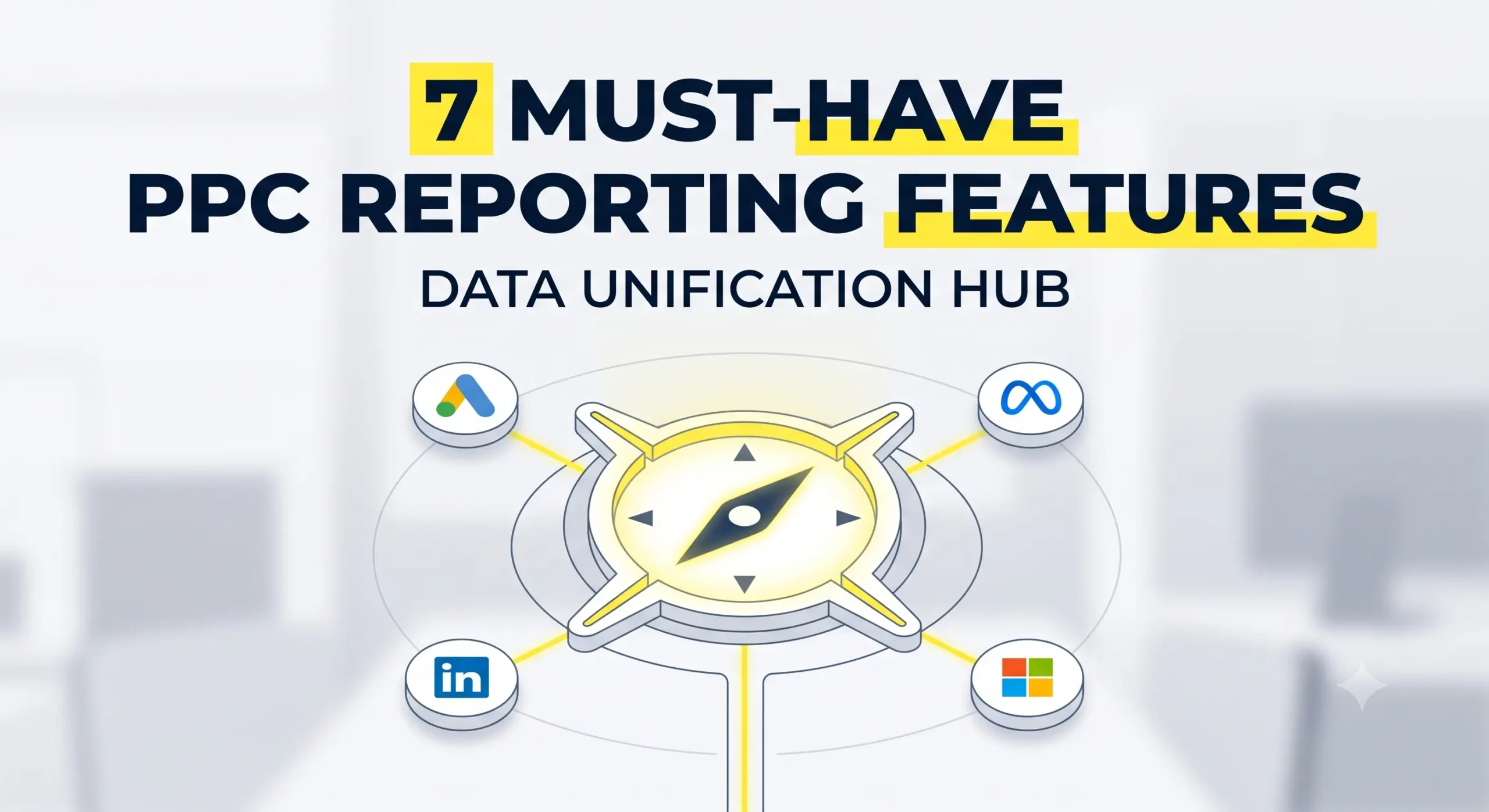
The whole point of centralised reporting is one login, one view. If your tool needs a separate connector from another vendor to pull in Meta Ads, LinkedIn Ads, or Microsoft Ads data, that’s not a real integration. That’s a workaround that adds cost, adds a second bill, and adds another point of failure when either connection breaks.
Look for native connections to Google Ads, Microsoft Ads, Meta, LinkedIn Ads, TikTok Ads, and any ad platform your clients actually use. If the sales rep starts explaining which connector plugin you need, that’s a red flag.
2. White-label branding on every plan
Most tools claim white-label capability. The catch usually shows up in pricing. The cheap plan gives you a small logo swap. The full brand control (custom domain, custom email sender, branded PDF cover pages) sits behind the Agency or Enterprise tier that costs three times more.
A good tool gives you full branding at the starting price. Your clients should never see the tool’s name in a URL, a footer, or an email. If they see it, they can price-check the tool and start wondering what you’re actually charging for.
3. Custom metrics and formula builder
Standard PPC metrics like impressions, clicks, CPC, and conversions come with every dashboard tool. The difference between a basic tool and a serious one is what happens when you need a custom calculation. Blended ROAS across three platforms. Cost per qualified lead after CRM sync. Revenue per session by device.
If the tool only shows what the ad platforms report natively, you’re stuck rebuilding the same math in a spreadsheet every month. A good tool lets you define custom metrics once and reuse them across every client dashboard.
4. Scheduled report delivery from your own email domain
Automated reports sent every Monday morning are the entire reason agencies buy these tools. But watch the sender email. Cheaper plans send reports from noreply@thetoolname.com, which immediately breaks the illusion of your branding. Clients see the sender, recognise the vendor, and now know exactly which platform is behind your reports.
A good tool sends emails from reports@youragency.com, arrives in the client’s inbox looking like a genuine agency communication, and lets clients reply directly to your team.
5. Cross-channel comparison in one view
Modern PPC rarely lives on one platform. A single campaign might span Google Ads, Meta, LinkedIn, and YouTube. Reporting on each in isolation forces the client (and the account manager) to do the mental math to figure out which channel actually drove results.
The tool should stack channels side by side in a single widget. Cost, clicks, conversions, ROAS, all comparable in a single view. If the tool forces one channel per widget or one channel per page, you’re still doing manual comparison work.
6. Alerts that catch problems before the client does
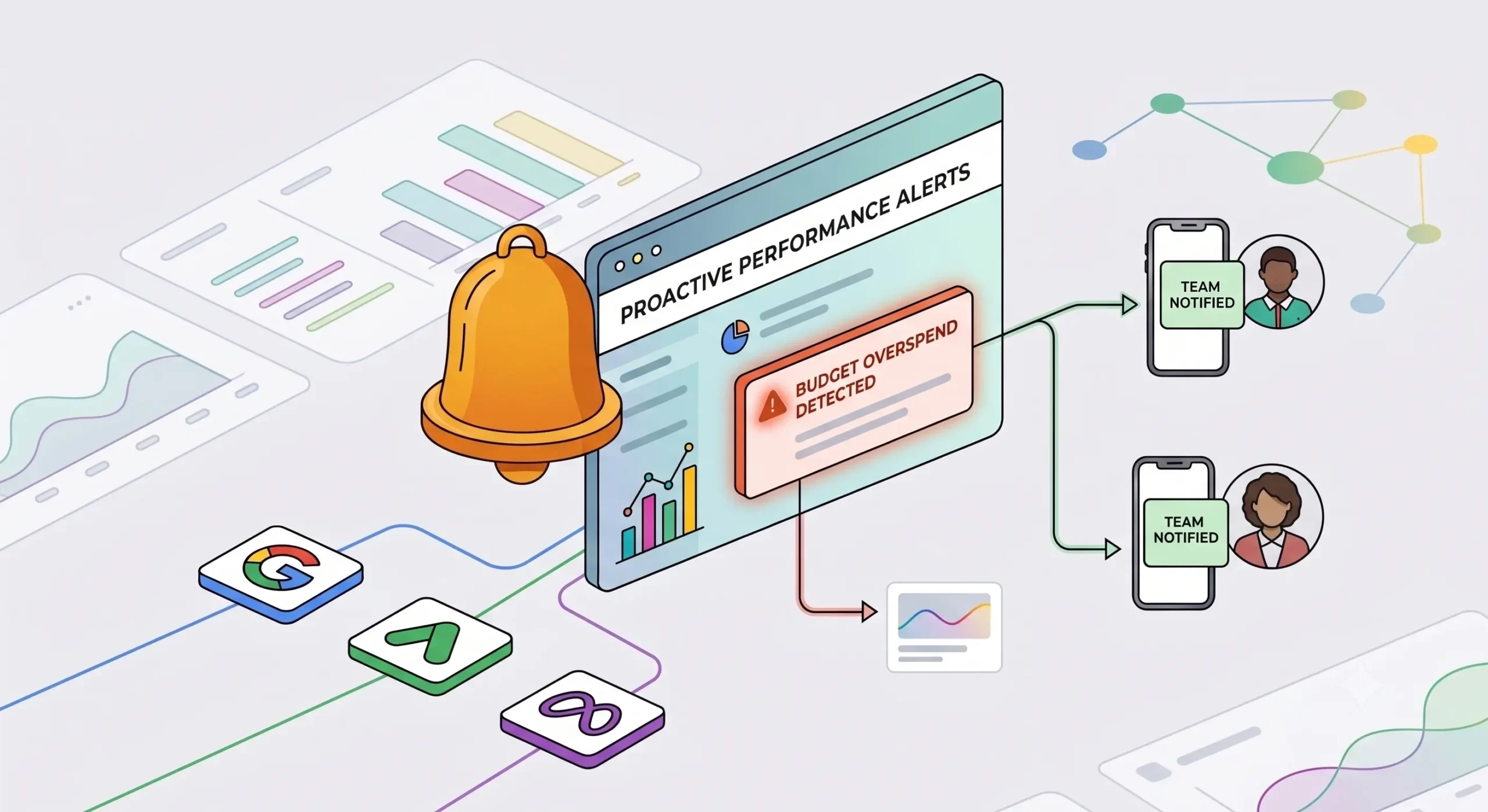
The worst reporting moment is a client asking why their Meta budget spent 40% in three days. The best reporting moment is you telling them, before they check the dashboard, that you already caught the spike, paused the ad set, and here’s what happened.
A good tool sends alerts on budget pacing, sudden cost per acquisition changes, campaign disapprovals, and account access issues. Set them once, forget them, and let the platform flag problems in real time. Without alerts, you’re just checking dashboards more often, which defeats the point of automation.
7. Templates you can build once and clone across every client
Agencies with fifteen clients cannot build fifteen different dashboards from scratch. The setup work has to happen once, then get cloned with the new client’s data source in five minutes.
A good tool has a template library plus the ability to save your own custom templates. When a new client onboards, you pick a template, connect their ad accounts, and the dashboard is ready in fifteen minutes. Without templates, every new client onboarding eats a half-day of manual dashboard building.
What to skip when picking a tool
Every product page lists more features than any agency will use. Here are the ones you can safely ignore during evaluation.
Skip: AI-generated summaries
The current wave of AI-generated report summaries produces content that reads like a horoscope. ‘Campaign performance showed variance this month with opportunities for optimisation.’ Clients see through it in one read. You still have to write the real insight yourself, so the feature adds cost without saving time.
Skip: Native campaign management features
Some tools include bid adjustments or budget changes inside the reporting interface. This sounds useful. In practice, your PPC managers already work inside Google Ads Editor, Meta Ads Manager, or Microsoft Ads. Adding a third place to make changes creates confusion and audit gaps. Keep reporting and campaign management separate.
Skip: Excessive integration count
A tool that boasts 200+ integrations often means 20 solid ones and 180 half-maintained ones. Verify the integrations you actually need work reliably before signing up. A tool with 40 rock-solid integrations beats one with 200 flaky ones.
How to evaluate before you commit
A 14-day trial is standard for most tools in this space. Use it deliberately. Don’t just click around the interface. Set up one real client dashboard end to end. Connect their actual ad accounts, build a real template, send a real branded report to a test email inbox.
If the tool takes more than a day to get one client dashboard live, imagine multiplying that friction across fifteen clients. If the exported PDF looks amateur, imagine that landing in your client’s inbox every Monday morning.
Predicta’s PPC reporting tool covers the seven features above with a free 14-day trial. If you’re currently evaluating options or running a PPC dashboard features comparison across vendors, it’s worth including in the shortlist. For agencies also handling SEO reporting for the same clients, the same platform includes a white label SEO dashboard that shares the same branding and templates.
The right tool disappears from the workflow
The mark of a good reporting tool is that you stop thinking about it. Reports arrive on time, clients read them, questions get answered from the dashboard link, and the account team spends its time on strategy instead of formatting. Any tool that requires ongoing manual workarounds after the first month is the wrong tool.
Pick for the seven features above, test them properly during the trial, and the tool becomes invisible. Which is exactly what a reporting workflow should feel like.
Frequently asked questions
A PPC reporting platform is a software tool that pulls advertising data from Google Ads, Meta, LinkedIn, Microsoft Ads, and other channels into one dashboard. Marketers and agencies use it to automate report generation, visualise performance, and share results with clients under their own branding.
Most tools in this category start between $39 and $79 per month for solo consultants or small agencies. Mid-tier plans for agencies managing 10 to 25 clients typically run $200 to $500 per month. Enterprise plans with unlimited clients, API access, and dedicated support run into the thousands per month.
The terms often overlap. A reporting tool typically means a lighter product focused on one job (usually generating PDFs or dashboards). A reporting platform typically means a broader system with integrations, alerts, templates, and multi-user access. In practice, most vendors use both terms interchangeably.
At minimum, Google Ads, Meta (Facebook and Instagram), LinkedIn Ads, Microsoft Ads, and Google Analytics 4. Depending on your clients, TikTok Ads, Pinterest Ads, Amazon Ads, and Snapchat Ads become important. Confirm each integration is native and not a paid third-party connector before signing up.
Yes, most tools offer some level of white-labeling. The depth varies. Basic plans usually let you add a logo. Full white-label (custom domain, custom email sender, branded PDFs, no vendor references anywhere) is often locked behind higher pricing tiers. Read the fine print before signing up.
For a single client dashboard with 2 to 3 ad platform connections, expect 30 minutes to an hour if the tool is well designed. Setting up branded templates takes another 1 to 2 hours (a one-time investment). After that, adding new clients takes 15 to 20 minutes each because the template is already built.
Impressions, clicks, click-through rate, cost per click, spend, conversions, cost per conversion, and ROAS are the core. For lead-gen clients, add cost per qualified lead. For e-commerce, add revenue and ROAS by product category. Skip vanity metrics like ad frequency unless the client specifically asks.
For one or two clients, Looker Studio (formerly Google Data Studio) is free and covers the basics. A paid platform becomes worth the cost once you hit 4 to 5 clients or need advanced features like scheduled email delivery, custom metrics, and cross-channel comparison in one view.
The best fit depends on which ad platforms your clients use, your budget per client, and how much white-label depth you need. Run a proper PPC reporting tools comparison across 3 or 4 shortlisted vendors during their free trials. Focus on the seven features above and rule out any that miss more than two.
Monthly is standard for most retainer clients. Weekly or bi-weekly makes sense for high-spend campaigns where fast decisions matter. Real-time dashboard access (a shared login link) works alongside scheduled reports for clients who want to check performance whenever they want.