
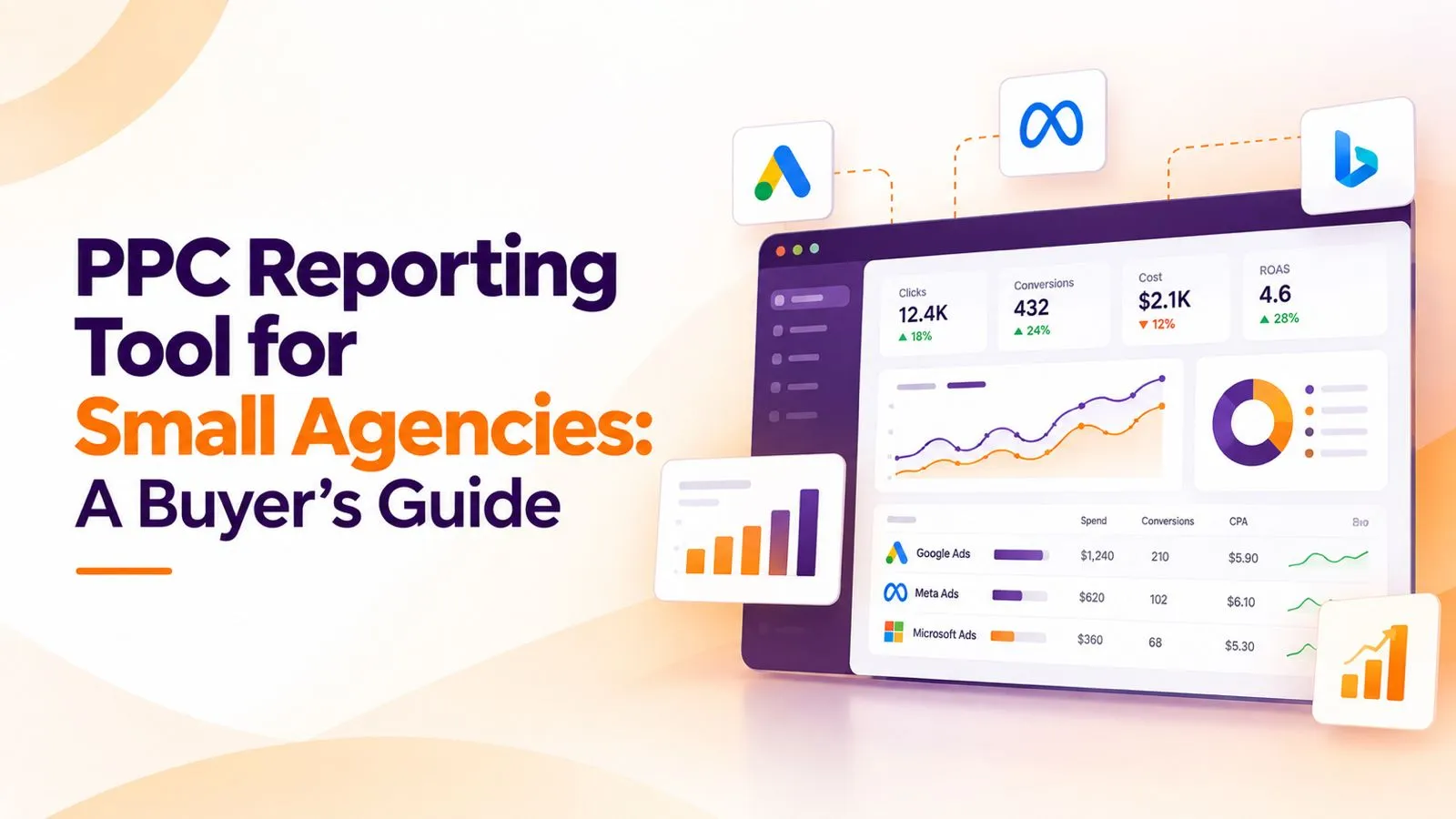
Small agencies live in reporting hell. You’ve got five clients running Google Ads, three on Meta Ads, two on LinkedIn Ads, and every one of them wants to see monthly performance in a format that matches their brand and their attention span. Manual reporting eats 20 to 30 hours a month. That’s an entire working week you’re spending on formatting instead of running campaigns.
A PPC reporting tool fixes this. But choosing the wrong one wastes months of setup time and locks you into pricing that punishes your growth. This guide walks through what a PPC reporting tool actually does, which features matter for small agencies, and how to pick the right one for your client mix.
What is a PPC reporting tool?
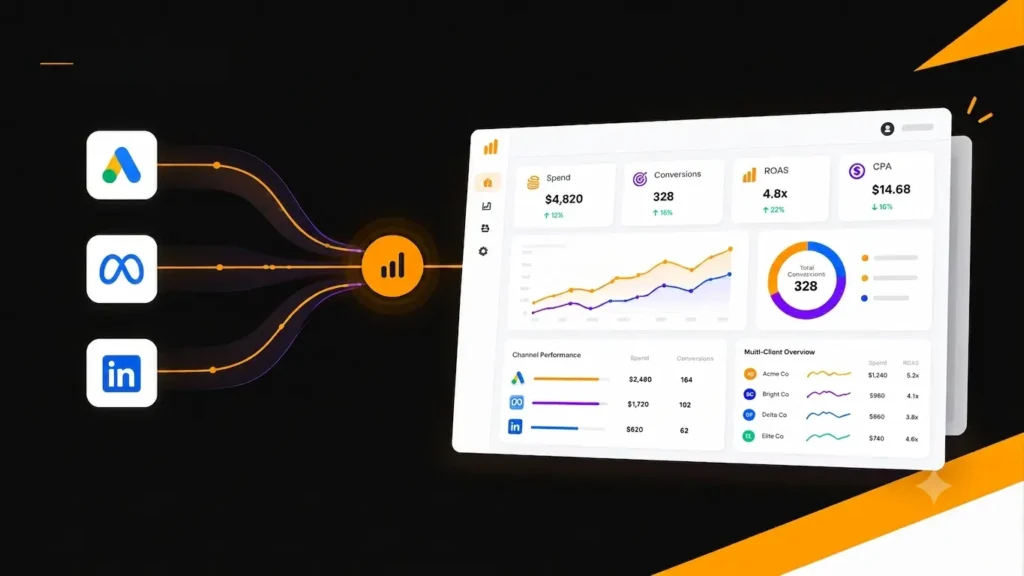
The software pulls campaign data from ad platforms like Google Ads, Meta Ads, and LinkedIn Ads, then presents it as a PPC dashboard or scheduled report. Instead of logging into each platform and copying numbers into spreadsheets every month, you build a dashboard once and the tool refreshes the data automatically.
The tool sits between the ad platforms and your clients. It reads spend, clicks, conversions, and other metrics via each platform’s API, stores them in its own database, and lets you build custom visualizations. Most tools also handle scheduled email delivery, so clients receive reports without you clicking send.
Core functions every reporting platform handles
- Data pulling from ad platforms via native API connections
- Dashboard building with drag-and-drop widgets
- Agency branding options for client-facing reports
- Scheduled report delivery in PDF or live dashboard format
- Multi-client management from one login
- Historical data storage for month-over-month comparisons
Why small agencies need report automation
Small agencies feel the pain of manual reporting harder than large ones. A 3-person agency with 10 PPC clients spends 20 to 30 hours a month on report formatting. That’s the same team’s ability to onboard 2 or 3 new clients, gone. Automation isn’t a luxury at this scale. It’s a survival tool.
The math on manual vs automated reporting
| METRIC | MANUAL REPORTING | AUTOMATED (WITH PPC REPORTING TOOL) |
| Time per client per month | 2-3 hours | 15-20 minutes |
| Total time (10 clients) | 20-30 hours | 2-3 hours |
| Data accuracy | Prone to typos and copy-paste errors | Direct API pull, no manual entry |
| Format consistency | Varies across clients and months | Same template applied everywhere |
| Monthly cost | 30 hours × your rate = $1,500 to $3,000 | $50 to $250 per month tool subscription |
The break-even point for most agencies is around 3 to 5 clients. Below that, a free tool like Looker Studio makes sense. Above that, a paid PPC reporting tool pays for itself in reclaimed team hours within the first month.
What to look for in a reporting platform for small agencies
Small agencies buy differently from enterprise teams. You need speed to value, not endless customization options. You need a price that scales with your client count, not a flat enterprise fee. And you need a tool that doesn’t require a data engineer to set up.
Feature 1: Native integrations with your ad platforms
Every tool claims to support Google Ads, Meta Ads, and LinkedIn Ads. Confirm the integrations are native, meaning the tool’s own team built and maintains the connection through each platform’s official API. Third-party plugin connectors break every time an ad platform updates its API. Native integrations survive those updates.
For most small agencies, the minimum viable integration list is Google Ads, Meta Ads, LinkedIn Ads, Google Analytics 4, and Google Search Console. If a tool skips any of these, don’t buy it. Agencies serving clients with active social channels also need social media analytics support built in.
Feature 2: One platform for SEO, PPC, and social
Small agencies rarely have budget for three separate reporting subscriptions. A tool that handles PPC, SEO, and social reporting from one dashboard saves money and simplifies your workflow. Your team learns one interface. Your clients see one consolidated view of performance.
Check whether the tool has native integrations across all three channels (PPC, SEO, and social) or whether it excels at only one. Tools that handle multiple channels natively let your agency scale without adding subscriptions every time a client expands their marketing mix.
Feature 3: Templates that clone across clients
You should build one master PPC dashboard template and clone it for every client. Data source substitution should take minutes, not hours. Test this during the trial. If cloning takes more than 20 minutes per client, the tool won’t scale with your agency growth.
Feature 4: Per-client pricing that doesn’t punish growth
This is where many small agencies get burned. Tools that charge per data source can multiply fast. Tools that charge per client without volume discounts hurt as you grow past 10 clients. Model out your monthly bill at your 6-month, 12-month, and 24-month client count projections. If the pricing curve is steep, look elsewhere.
Feature 5: Scheduled delivery that actually works
Every tool advertises scheduled reports. Fewer deliver reliably. Ask for references from agencies who use the scheduled delivery feature at scale. Failed deliveries force you back to manual work, which defeats the whole purpose of automation.
Feature 6: Client login access for real-time viewing
Modern PPC clients want to log in and view their own dashboard whenever they want, not wait for a monthly email. Look for tools that offer client-facing dashboards with proper role-based access. Read-only client logins mean you can share performance without giving up account control.
The essential PPC dashboard structure
Before you buy a tool, understand what a good PPC dashboard actually contains. Small agency owners often build overloaded dashboards that overwhelm clients. Here’s the structure that works.
Section 1: Executive summary
Three bullets at the top. What happened this month. Whether targets were met. What’s planned next. Most clients read this section and nothing else. Make it count. If your agency writes this by hand every month, that’s the one place where automation should stop and interpretation should start.
Section 2: Spend vs budget pacing
A simple bar or gauge chart showing actual spend against the monthly budget target. This answers the most common client question on sight: are we on track? Include days remaining in the month and projected end-of-month spend based on current pacing.
Section 3: Campaign performance
List each campaign with spend, conversions, cost per acquisition, and return on ad spend if you have revenue data. Never blend campaign metrics into averages. A $10 CPA campaign and a $100 CPA campaign both look mediocre at $55 average. Clients then optimize the wrong campaigns.
Section 4: Channel comparison
If the client runs multi-platform PPC, show side-by-side channel performance. Google Ads vs Meta Ads vs LinkedIn Ads on the same metrics. This reveals which channel is over-performing and where budget should shift.
Section 5: Conversions and revenue
Tie every dollar of ad spend to a business outcome. Conversions from PPC, revenue from PPC (if e-commerce), leads generated, phone calls tracked. If you don’t have conversion tracking configured for the client, add it. That’s a whole additional service line.
Section 6: Recommendations
Three to five specific recommendations, each with an expected outcome. “Pause underperforming ad group X to reallocate $500 to top-performing group Y, projected to add 10 conversions per month.” Vague recommendations signal a lazy analysis. Specific ones signal an agency that owns the account.
Pricing: what small agencies actually pay
Pricing for a small agency reporting platform typically falls into three tiers.
Tier 1: Free tools
Google Looker Studio is free and connects natively to Google Ads and GA4. For 1 to 3 clients, this is often enough. The trade-off is manual template maintenance and limited support for non-Google ad platforms like Meta and LinkedIn.
Tier 2: Entry-level paid tools ($50-$150 per month)
Most small agencies with 5 to 15 clients settle into this tier. You get multi-platform integrations, scheduled delivery, and agency branding options. Break-even math works clearly at this price point. If you’re spending 20 hours a month on manual reporting at $75 per hour billable, that’s $1,500 you’re leaving on the table. A $99 per month tool captures most of that back.
Tier 3: Mid-market tools ($150-$400 per month)
For agencies with 15+ clients or those needing advanced features like AI summaries, custom formulas, and multi-team collaboration. The additional cost is worth it once your agency crosses 20 active PPC clients.
Google Ads reporting: what clients really want to see
Most Google Ads reporting from small agencies is bloated with vanity metrics. Impressions, click-through rates, average positions. Clients don’t optimize based on these. They optimize based on business outcomes.
The four Google Ads metrics that matter for client reporting are cost per acquisition, return on ad spend, conversion rate by campaign, and impression share lost to budget vs rank. Everything else is diagnostic data your team uses internally. Keep it out of client reports unless the client specifically asks. For agencies also running SEO campaigns, consolidating PPC data with an SEO reporting tool gives clients a complete channel view.
Impression share loss deserves special attention. If a campaign is losing impression share to budget, the client can add budget to capture more traffic. If it’s losing to rank, quality score or bid strategy needs work. This one metric drives more optimization conversations than any other Google Ads number.
Common mistakes when buying reporting software
Mistake 1: Choosing by feature count
Every tool has 40 features listed on its comparison page. You’ll use maybe 8 of them. Buying by feature count leads to overpaying for capabilities you never touch. Buy based on the features you’ll use every week.
Mistake 2: Not testing with a real client
Free trials are for testing with actual client data, not for demo playgrounds. During the trial, connect one real client’s Google Ads account and check the tool’s other native integrations. Build a real dashboard. Send it to a colleague and ask if it tells the client’s story clearly. If not, the tool isn’t right for you.
Mistake 3: Ignoring the pricing curve
Tools that look cheap at 5 clients can double in cost by 15 clients. Model your bill at your 12-month client projection before signing an annual contract. Better to switch tools now than migrate at scale later.
Mistake 4: Skipping the branding review
During the trial, review how the reports look when they arrive in a client’s inbox. Check the sender address, PDF footer, and dashboard styling. If the presentation feels inconsistent with your agency’s brand voice, ask the vendor what customization options are available on higher-tier plans.
Mistake 5: Not planning for client login access
Modern clients expect a login they can check anytime. If your chosen tool doesn’t offer this cleanly, you’ll be answering “what’s my performance today?” emails constantly. Read-only client logins solve this. Confirm the feature exists on the plan you’re buying.
How Predicta fits small agencies
Predicta Analytics gives small agencies the reporting layer they need without enterprise pricing. Native integrations with Google Ads, Meta Ads, LinkedIn Ads, Google Analytics 4, and Google Search Console cover the core PPC reporting workflow. Built in Australia by a team focused on the mid-market agency segment.
The platform includes drag-and-drop dashboard builders, scheduled report delivery, and client login access. Templates clone across clients in minutes. Per-client pricing scales predictably, so agencies growing from 5 to 25 clients don’t hit surprise cost jumps.
Small agencies can start with a 21-day free trial to test with real client data. No credit card required. Setup for the first PPC dashboard usually takes under an hour.
Frequently Asked Questions
The best PPC reporting tool depends on your agency size and client mix. For solo freelancers and small agencies with 5 to 15 clients, tools with strong multi-channel integrations and predictable per-client pricing win. For larger agencies, feature depth and AI capabilities matter more. There is no universal best tool. There’s only the best tool for your specific situation.
Most small agencies pay between $50 and $250 per month for reporting software. Free options like Google Looker Studio work for 1 to 3 clients. Paid tools become worth the cost around 5 clients, when manual reporting time exceeds the subscription fee. Enterprise-tier tools charge $500 to $2,000 per month but include advanced features most small agencies don’t need.
Below 3 to 4 clients, a well-built Google Looker Studio template with native connectors is often enough. Past 5 clients, manual reporting time exceeds subscription costs. Small agencies benefit most from PPC report automation once their team is spending more than 10 hours a month formatting reports.
The data pull, dashboard formatting, and scheduled delivery can be fully automated. The executive summary and recommendations should not be. Clients pay for interpretation, not just numbers. Write a fresh 3 to 5 sentence summary every month tying the numbers to their business goals. That interpretation is what justifies your agency retainer.
A good monthly PPC report includes an executive summary, spend versus budget pacing, campaign-level performance, channel comparison for multi-platform accounts, conversions and revenue tied to ad spend, and 3 to 5 specific recommendations for the next month. Skip impression counts and click-through rates as headline numbers. They rarely change a decision.
A PPC dashboard is a live view that clients can access anytime. Data refreshes automatically. A PPC report is typically a scheduled PDF or presentation summarizing performance over a specific period. Most modern PPC reporting tools offer both. Small agencies typically send monthly PDF reports for the executive summary and give clients dashboard access for anytime viewing.
At minimum, native integrations with Google Ads, Meta Ads (Facebook and Instagram), LinkedIn Ads, Google Analytics 4, and Google Search Console. These cover 90% of small agency PPC work. Additional useful integrations include Microsoft Advertising (Bing), TikTok Ads, and CRM platforms like HubSpot or Salesforce for closed-loop conversion tracking.
For a single client, expect 30 minutes to 2 hours for your first dashboard as you learn the tool. From your fifth client onwards, cloning your template should take 15 to 20 minutes per client. If setup takes longer than this consistently, the tool isn’t a fit for small agency workflows.
Yes, most modern reporting tools offer client login access with read-only permissions. This lets clients check their dashboard anytime without needing to log into ad platforms directly. Small agencies benefit from this feature because it reduces the volume of “how are we doing?” emails and positions your agency as transparent to clients.
Free tools like Google Looker Studio require more manual setup and don’t include scheduled delivery or multi-platform integrations natively. Paid tools automate the entire workflow and support 10+ platforms out of the box. For agencies past 5 clients, paid tools save more time than they cost.
Final thoughts on choosing your reporting tool
The right reporting tool for a small agency does three things well. It automates the data pull and delivery. It looks like your agency built it, not the vendor. It scales in price without punishing your growth.
Every other feature is optional. Test tools with real client data during the trial. Skip anything that feels overloaded or requires training your team on complex workflows. Small agencies win on speed and presentation. Your reporting tool should support both.
Ready to see how Predicta handles your PPC reporting workflow? Start your 21-day free trial. No credit card required. Set up your first client dashboard in under an hour.